The control plane for your team's agents
Run agents on the models you choose, next to the people they work with, on machines you own. One workspace, one set of rules and one record of every run.
Open source under Apache 2.0.
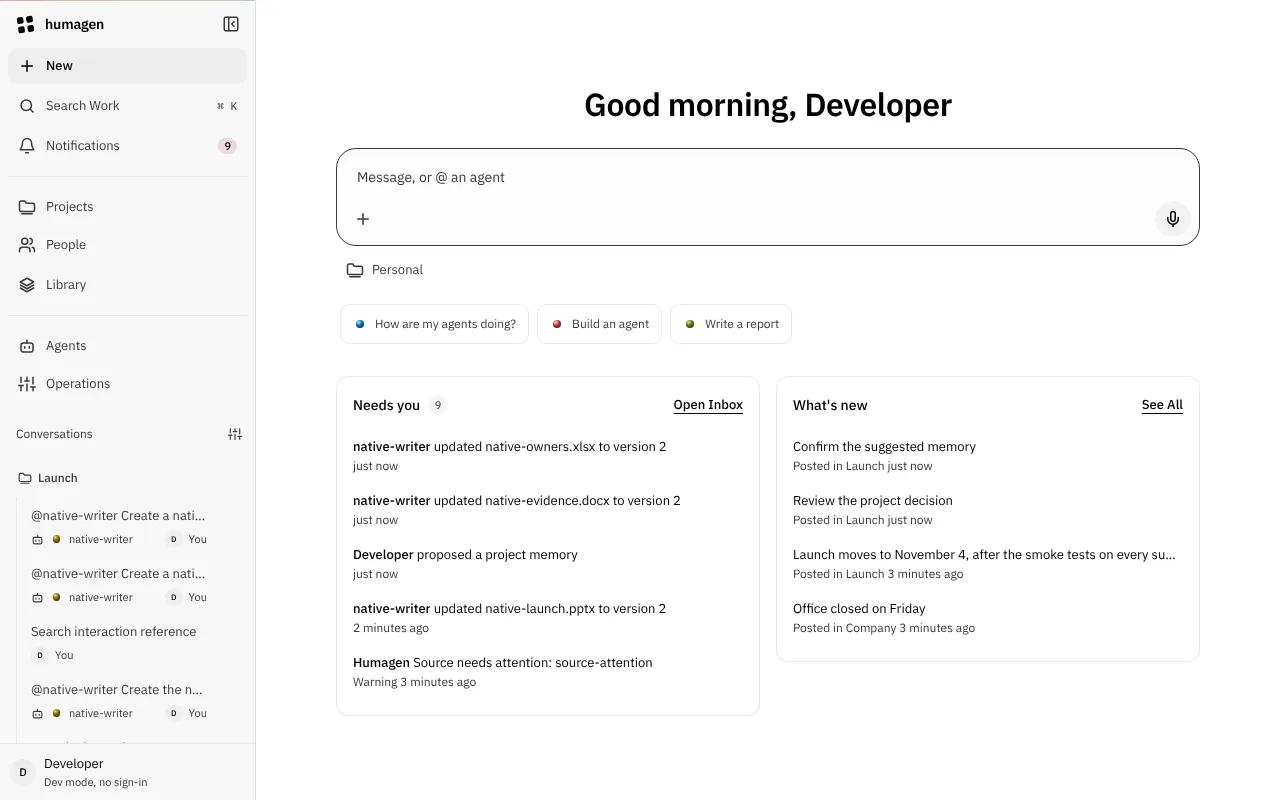
Agents work together, and with people
Tag an @agent, or let every available agent decide whether to join. Agents call other agents as subagents, handoffs or delegations. A run waits for a person when it needs an approval or an answer.
- assistantGoogle Gemini through Vertex AI
- reviewerAnthropic
- local-helperOpenAI-compatible, on Ollama
Example: each agent names its own model.
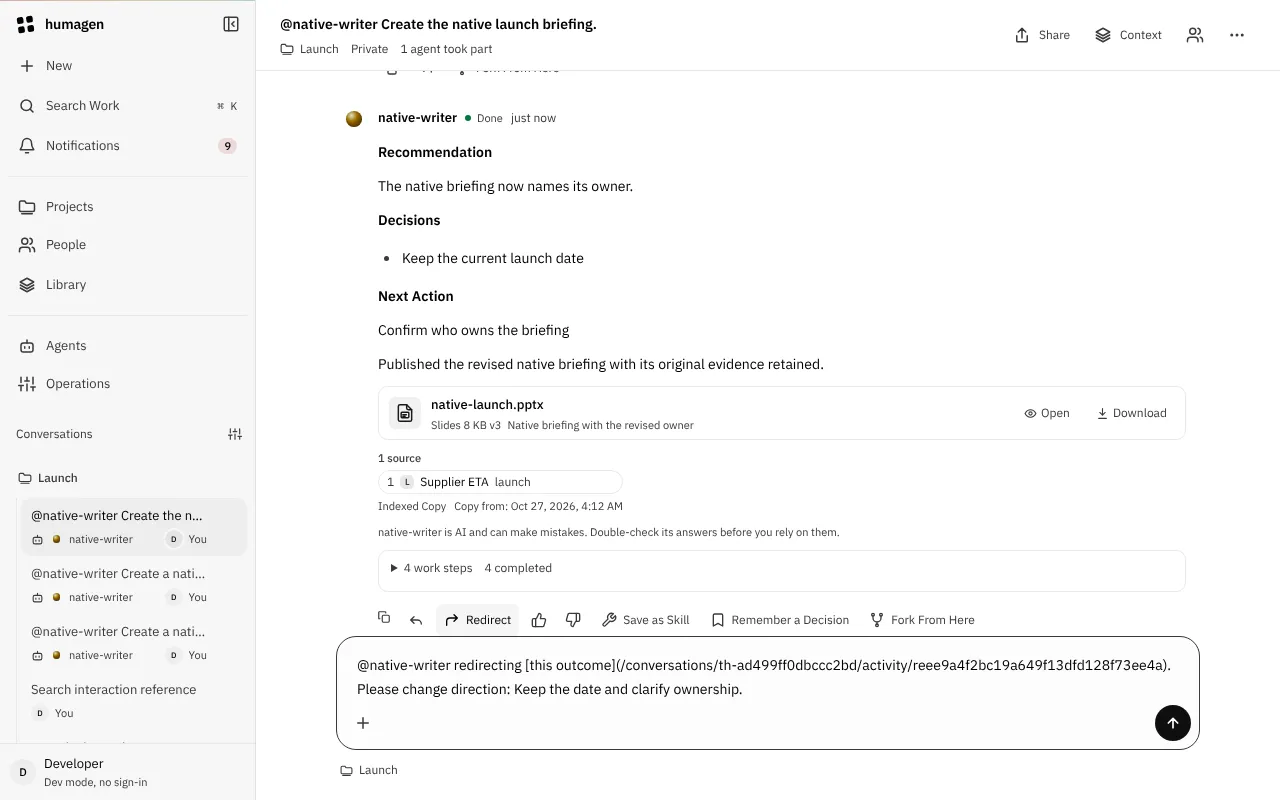
Each agent has a history
Agents have revisions, evals, schedules, alerts and analytics. A run keeps the exact definition it started with, and fails rather than run a prompt that changed.
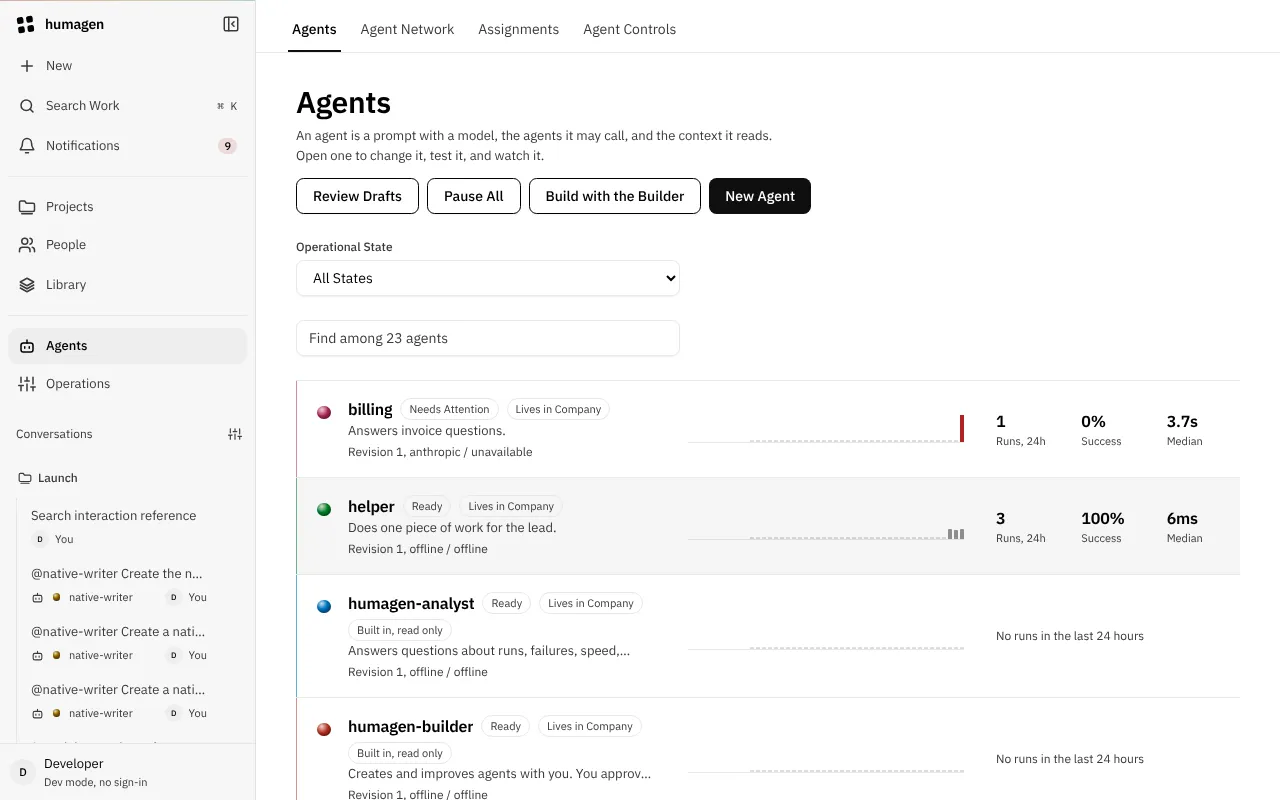
What it does
- Self-hostedOne process and Postgres, on a laptop, a VM or Kubernetes. Your data stays in your cloud. The code is open source.
- Any model, per agentAnthropic, Google Gemini directly or through Vertex AI, or any OpenAI-compatible server, such as Ollama or vLLM. Change an agent's model without moving the workspace.
- Rules you setA policy file grants roles per project. Nothing is allowed until it is granted. Limits are checked before a run starts, and spend is counted per run.
- A record of every runRun traces, the journal and alerts show who asked, which agent answered, what it called and what it cost.
- Where people workThe web console, a Slack app in channels and threads, and GitHub comments. Each one shows the same events.
- Answers from your knowledgeKnowledge sources per project, with hybrid search over vectors and keywords. Search returns only what the person asking may read.
- Runs that survive a crashRuns are durable and replay after a crash. The ledger decides when a run is over.
- Tools that act as youMCP tools run in the sandbox you choose, with each person's own credential, never a shared one.
Why Humagen
Hosted assistants such as Claude in Slack, OpenAI Dots and Grok Bot put one vendor's model in your chat. They fit when one model and one vendor's cloud are enough.
Humagen is for teams that need more: several agents, more than one model, and rules that belong to them. Your models, your cloud, your rules.
| Aspect | Humagen | A hosted assistant |
|---|---|---|
| Models | Any provider you configure, per agent | The vendor's models |
| Where it runs | Your laptop, VM or Kubernetes cluster | The vendor's cloud |
| Who sets the rules | Your policy file: roles, projects, limits | The vendor's admin settings |
| Agents | Many, calling each other and asking people | One assistant |
| Where people use it | Web console, Slack and GitHub | The app it ships for |
| Setup | You deploy and run it | Install it and start |
Self-host it, private by default
The recommended setup is one private VM per team on Google Cloud. Nobody on the internet can reach it, and there is no model key to leak.
- Only on your tailnetNo public IP. Caddy checks each person with Tailscale and passes their login to Humagen. No passwords and no identity provider to run.
- No API keysGemini and embeddings go through Vertex AI with the VM's service account. Calls are billed to your project.
- Updates without SSHTerraform describes it and GitHub Actions applies it. The VM picks up each change on its own. About $25 a month for the VM, plus model calls.
Questions before you run it?
Write to the founder at founder@withhumagen.com, or open an issue on GitHub.